
Web tools
Drive Explorer
Scan Google Drive folders and export links, locations and IDs for every file.

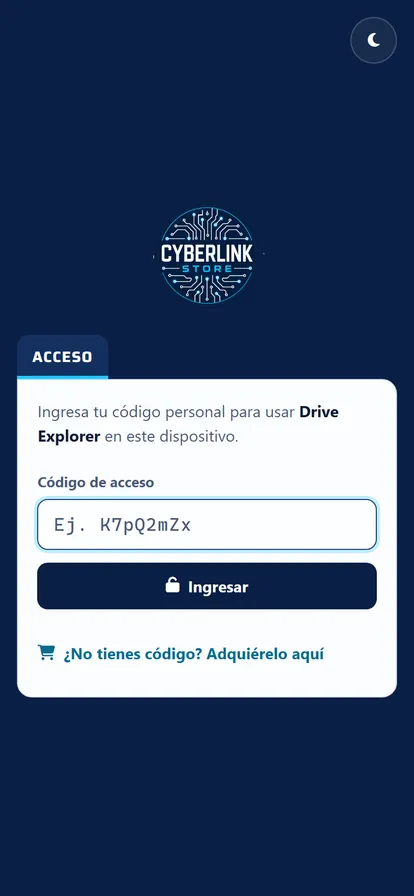
Scroll inside the screen to explore the page.
The problem
Copying the link or ID of hundreds of Google Drive files by hand is slow and error-prone, especially with subfolders.
The solution
Sign in with Google, paste a folder link and the system lists every file with its link, location, date and ID. Then export to Excel, CSV or JSON, or download everything as a ZIP.
The result
A complete folder inventory in minutes, ready to share or load into another system.
Gallery
-
Desktop view
-
Mobile view